 arcanis
b8d9bef965
arcanis
b8d9bef965
This was initally generated by ai, but later has been heavily edited.
The reason why it has been implemented is that there are plans to
implement more features to ui, but it becomes hard to add new features
to plain js, so I decided to rewrite it in typescript.

Yet because it is still ai slop, it is still possible to enable old
interface via configuration, even though new interface is turned on by
default to get feedback
ArcH linux ReposItory MANager



Wrapper for managing custom repository inspired by repo-scripts.
Features
-
Install-configure-forget manager for the very own repository.
-
Multi architecture and repository support.
-
Dependency manager.
-
VCS packages support.
-
Official repository support.
-
Ability to patch AUR packages and even create package from local PKGBUILDs.
-
Various rebuild options with ability to automatically bump package version.
-
Sign support with gpg (repository, package), multiple packagers support.
-
Triggers for repository updates, e.g. synchronization to remote services (rsync, S3 and GitHub) and report generation (email, html, telegram).
-
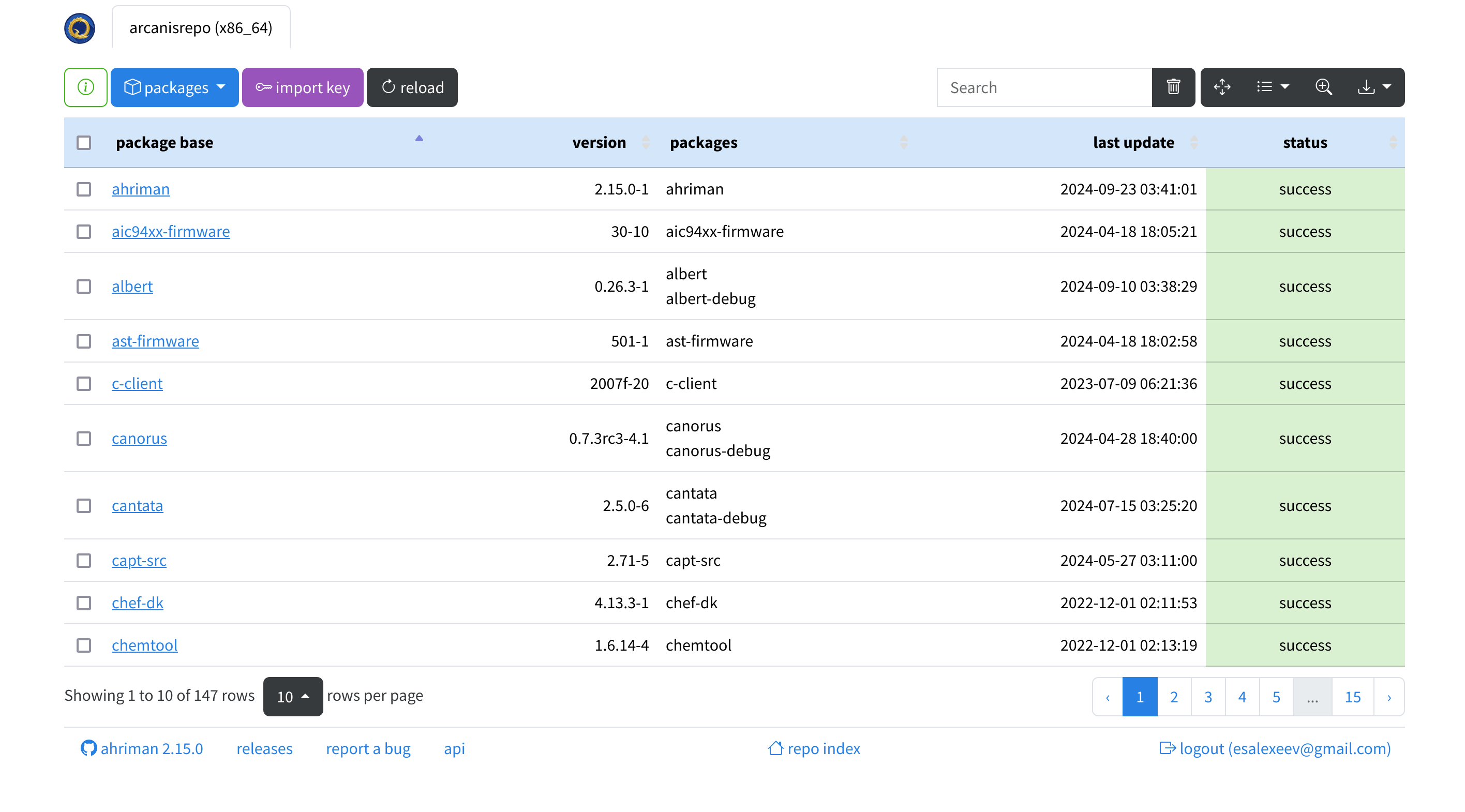
Repository status interface with optional authorization and control options:


Installation and run
For installation details kindly refer to the documentation. For application commands it is possible to get information by using --help/help command or by using man page (web version).
Configuration
Every available option is described in the documentation.
The application provides reasonable defaults which allow to use it out-of-box; however additional steps (like configuring build toolchain and sudoers) are recommended and can be easily achieved by following install instructions.
FAQ
Live demos
- Build status page. You can log in as
demouser by usingdemopassword. However, you will not be able to run tasks. HTTP API documentation is also available. - Repository index.
- Telegram feed.
Do you have any success story? You can share it!